
Business IT Services
Straightforward Technology Help for Your Home
When your computer is slow, your Wi-Fi keeps dropping, or a new device will not connect, getting it fixed should be easy. StablePoint IT provides home IT support for residential customers across Northern California. We help with computers, home networks, printers, email, smart devices, security cameras, backups, and home office technology.
Whether you have a problem that needs fixing or need help getting new technology set up, we provide clear, practical assistance without confusing technical language or unnecessary recommendations.


Home Technology Support
Support for the Technology You Rely On
Technology is part of almost every home. Computers hold important files, Wi-Fi connects the devices your family uses every day, and smart home equipment can make your home more convenient and secure.
But when something stops working, it is not always obvious what caused the problem. Our residential IT support is designed to make those situations easier.
“Tell us what is happening in your own words, and we can help identify the issue and explain what can be done.”
Home Technology Services
From computers and Wi-Fi to smart home devices and data backup, we provide practical technology support for the systems and devices you rely on every day.

Computer & Laptop Repair
A slow computer, startup problem, software issue, or device that keeps freezing can quickly become frustrating. We troubleshoot Windows and Apple computers and laptops, identify common problems, and help get your device working properly again.

Wi-Fi & Home Network Setup
Poor coverage and unreliable connections can affect everything from laptops and phones to televisions and smart devices. We help with Wi-Fi setup, connectivity, coverage, and home network problems to give your devices a more dependable connection.

Virus & Malware Removal
Unexpected pop-ups, unusual computer behavior, or a sudden drop in performance can sometimes point to unwanted software. We can help identify and remove malware and provide practical guidance for keeping your devices better protected.

Printer, Email & Cloud Support
Printers, email accounts, and cloud services can be useful every day, but setup and troubleshooting are not always straightforward. We can help with configuration, connectivity, account settings, and common problems so these tools work as expected.

Smart Home Installation
Smart home devices can add convenience, but getting them connected and configured can take some work. We help with compatible smart home equipment, network connections, and setup so your devices can work together more smoothly.

Home Security Camera Installation
Want to keep an eye on your property while you are at home or away? We can help with residential security camera installation and setup, including connectivity and remote viewing where supported by your chosen system.

Data Backup & Recovery
Family photos, personal documents, and other important files can be difficult or impossible to replace if they are lost. We can help with data backup, recovery, and transferring files when you replace a computer or need to restore available information.

New Computer & Home Office Setup
A new computer or home office often involves more than switching on a device. We can help set up computers, printers, email, cloud services, and other equipment so your workspace is ready for everyday use.
Better Wi-Fi for a Better-Connected Home
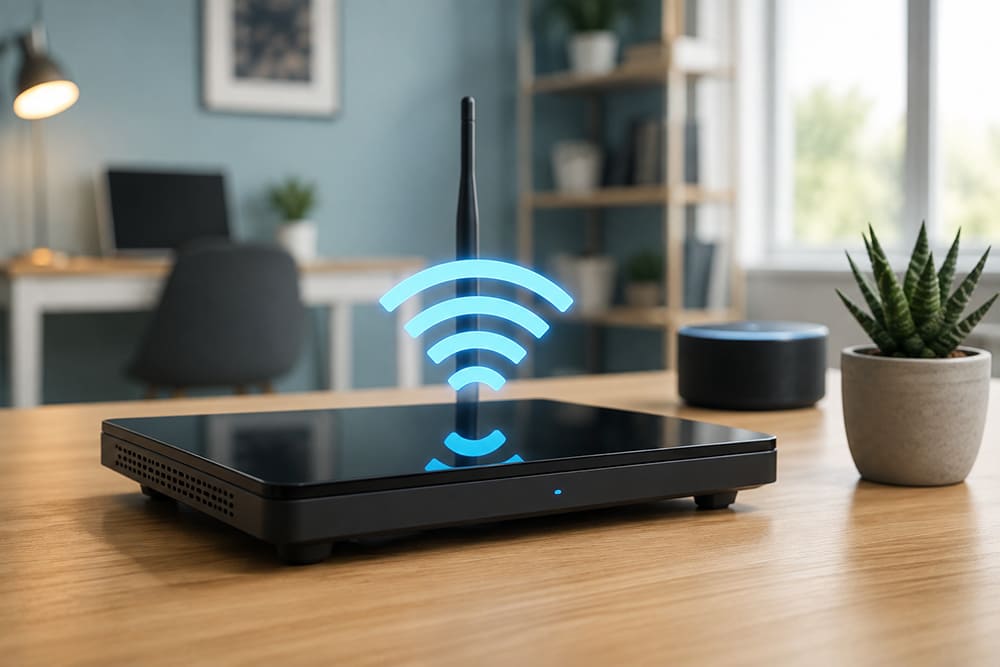
Your home network is often the link between all your technology. Phones, computers, streaming devices, printers, cameras, and smart home equipment may all depend on the same connection. If one part of the setup is not working properly, you may end up with several devices experiencing problems at once.
We can help identify connectivity issues, improve Wi-Fi coverage, and make sure your devices are configured correctly for your home network.

Home Technology Support
Technology Support for Your Home Office
Working from home makes dependable technology especially important. A computer problem, unreliable Wi-Fi, printer issue, or trouble accessing email can interrupt your workday.
StablePoint IT can help with home office setup and the technology you use to work remotely. This can include computers, printers, connectivity, email, cloud services, and other equipment needed for your workspace.
The goal is simple: help you create a home office that works without adding unnecessary complexity.
Why Data Backup & Recovery IT
Keep Your Personal Data Safe and Available
Your personal files are worth protecting. Photos, documents, work files, and other important information can be lost because of a damaged computer, accidental deletion, hardware failure, or other unexpected problems.
We can help you put practical data backup and recovery measures in place and assist with transferring or restoring available information when you need it.
- Damaged computer
- Hardware failure
- Accidental deletion
- Backup and Recovery
Technology Help
When You Need a Hand With Technology
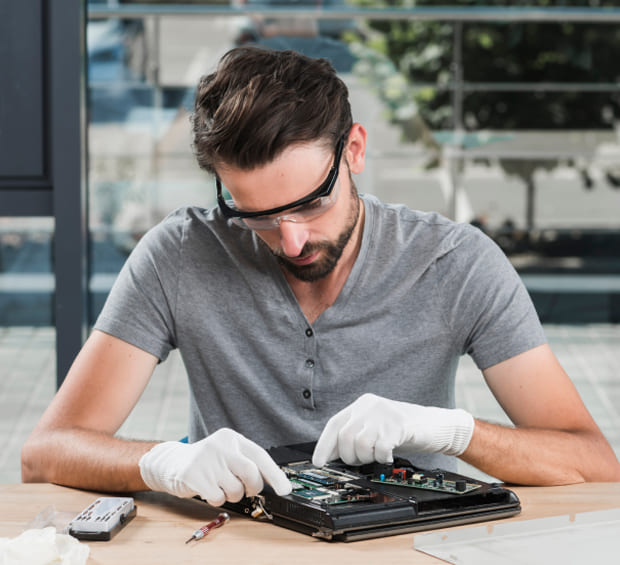
Not every technology problem is easy to solve with a quick online search. Sometimes the issue involves several devices. Sometimes a setting has changed and you are not sure what it affects. And sometimes you simply do not have the time to spend figuring it out yourself.
Why Homeowners Choose StablePoint IT

Clear, Straightforward Support

Practical Recommendations
We focus on the problem you actually need to solve and recommend changes based on your setup rather than suggesting technology you do not need.

Remote and Onsite Assistance
Some issues can be handled remotely, while others need hands-on attention. We can determine which approach makes sense for your situation.
Support for Everyday Technology
One Place to Turn When Something Goes Wrong
Instead of trying to work out which technology is causing the problem, you can start by explaining what is happening. We can help determine where to begin.
How It Works
A Simple Way to Get Home IT Help
01
Tell Us What's Happening
02
We Assess the Issue
We look at the symptoms, understand your setup, and work out what may be causing the problem.
03
We Explain the Solution
04
We Get Things Working
Once you approve the solution, we carry out the work and check that your technology is working as expected.
Service Area
Home IT Support Across Northern California
StablePoint IT provides residential IT support across Northern California, helping homeowners with everyday technology needs, from computer and Wi-Fi issues to device setup and home office support. We serve customers in San Jose, San Francisco, Oakland, and Sacramento, making practical technology assistance available to homeowners across these communities.
Whether you need help solving a technology problem or setting up something new, we can provide straightforward support based on what your home actually needs.
San Jose
San Francisco
Oakland
Sacramento
FAQ
Frequently Asked Questions
Can you help if I don't know what is causing the problem?
Absolutely. You do not need to diagnose the issue before contacting us. Tell us what you are seeing, what has stopped working, or what changed. We can start from there and work out where the problem may be.
Do you support both Windows and Apple computers?
Yes. StablePoint IT provides troubleshooting and performance support for Windows and Apple computers and laptops. If you are having trouble with your device, we can assess the issue and explain the options.
Can you help if several devices in my home are having connection problems?
Yes. When multiple devices are struggling to connect, the issue may be related to your Wi-Fi or home network rather than the individual devices. Looking at the setup as a whole can help identify what needs attention.
Can you set up a new computer and move my files from the old one?
Yes. We can help with new computer setup and data transfer, including moving available files and getting your email, cloud services, printers, and other equipment ready to use.
Is professional home technology support worth it?
It depends on the problem. Some issues are quick to solve, while others can take hours to track down. If you have already tried the usual fixes or are worried about making the problem worse, professional help can save time and give you a clearer way forward.